
What Is a Website Backup and Why Should You Take It Seriously?
Your website is not merely a collection of web pages. It’s your brand, your work, your content, and sometimes even your source of revenue. But here’s something many website owners don’t think about until it’s too late — what if something happens to your website tomorrow?
Websites are lost for all sorts of reasons — hacking, malware, unintentional deletion, software bugs, or even server crashes. That’s where a website backup is relevant.
A website backup is similar to carrying an insurance policy for your web presence. It ensures that even if something goes wrong, you can restore your website back exactly as it was.
What Is a Website Backup?
In short, a website backup is a copy of everything on your website. This includes your website files, databases, images, words, themes, plugins, and anything else your website needs to function.
Use the metaphor of having your photos and documents on an external hard drive — if your computer break, you’ve still got your files. The backup is the same way for your website.
Why Website Backups Are So Important
Most people expect nothing to go wrong with their site. But the internet is a surprise place — sometimes not a pleasant one. Here are some situations where being backed up can be a lifesaver:
1. Shield Against Hacking
Websites get hacked every day, regardless of size. If your site gets infected with malware or gets hacked and your information is stolen, a restore from a backup is typically the fastest solution to get back online safely.
2. Human Errors
Accidents will occur — you (or whoever manages your site) can delete the wrong file or modify something that can destroy the site. With a backup, you can easily turn back the damage.
3. Server or Hardware Crashes
Even the most stable hosting servers may undergo unexpected hardware failure. If your hosting server containing your website encounters an unexpected failure, a backup will rescue your site from being permanently lost.
4. Updating Gone Wrong
Software updating like CMS websites (WordPress, Joomla, etc.) or plugins at times may generate compatibility issues. When your site crashes after an update, you can restore it from the backup.
5. Accidental Content Loss
Ever unintentionally uploaded the wrong image, deleted a blog post, or lost vital pages? Backups store all your content so that you can restore them whenever you need to.
How Often Do You Take a Backup?
The backup interval depends on how often your website is being updated.
- If your website is being updated with new material daily, backup every day.
- If your website receives updates every week, weekly backup should be enough.
- For websites that rarely change, monthly backups may be enough.
But it’s always a good idea to back up more often. That way, even in case of something going wrong, you’ll lose only a small amount of new data instead of months of work.
Types of Website Backups
There are various types of backups, and understanding them will enable you to make the best possible decision for your site.
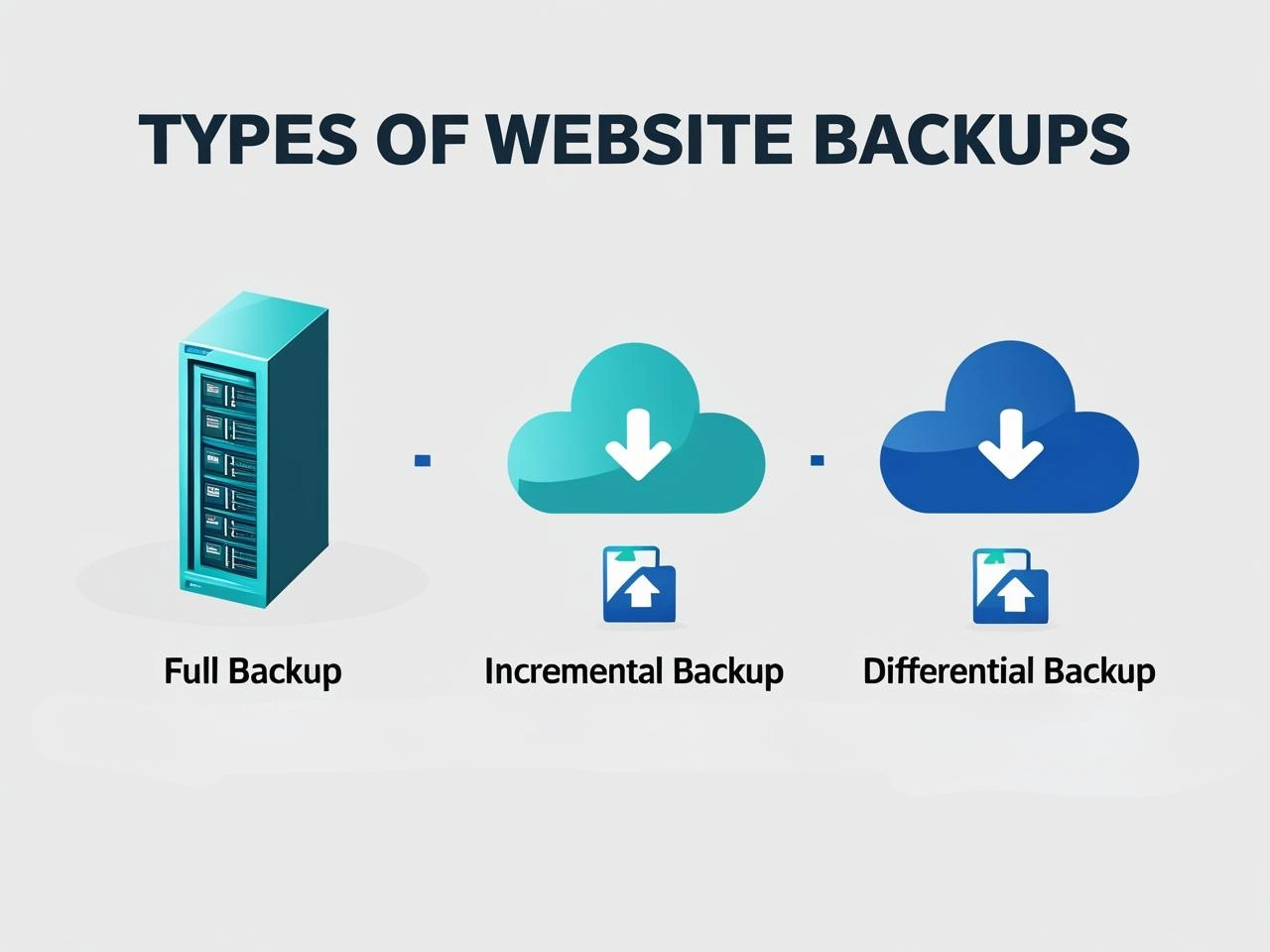
1. Full Backup
A complete backup of your website — all files, databases, and configuration. The safest but can be slower to create.
2. Incremental Backup
Saves just the differences since the last backup. Faster and takes up less space, but you may have to do certain backups to restore your site fully.
3. Manual Backup
You back it up yourself, either by downloading through FTP or your control panel. Gives you complete control but needs more effort.
4. Automatic Backup
Your hosting or software company creates backups automatically at regular intervals. It’s the easiest and safest method.
Where Should You Keep Your Backups?
Having a backup is not sufficient — you also need to keep it safe. Some decent options are:
- On your host server (but not your only copy)
- On an external hard drive or USB
- In a cloud storage solution like Google Drive, Dropbox, or Amazon S3
- With a specialized backup service
Tip: Have at least one backup offsite — somewhere other than your hosting server. That way, if the server is destroyed or hacked into, your backup is safe.
Best Practices for Website Backups
In order for your backups to actually work, do this:
- Automate whenever possible – so you never forget to create backups.
- Test your backups – try restoring them to make sure they actually work.
- Maintain several copies – retain backups from several time frames, not just the latest.
- Protect sensitive data – in case your site holds customer information, keep it safe.
- Don’t rely on luck – make backups a routine matter, not a onetime task.
The Peace of Mind That Backups Bring
A backup of your website is similar to an insurance policy for your business online. You never want to access it, but in case something happens, you will be glad you do. Instead of having to start all over again after a problem, you’re able to restore your site to active status in hours — even minutes.
Without backups, one mistake or attack would be the loss of months or years of effort. With backups, you can easily recover and keep your visitors are happy.
Hosting Home Makes Backups Simple
Here at Hosting Home, we understand how much your website means to you. That is why backups are important to us. With our hosting packages, you do not have to think about the complicated backup system — we take care of it for you.
We provide:
- Free Weekly Backups – Perfect for safeguarding your site against unexpected issues.
- Free Monthly Backups – So you do have a permanent recovery point in case needed.
Your site’s security is safe with Hosting Home. You focus on growing your site, and we’ll take care of keeping your data safe.