
Understanding the Control Panel: cPanel vs Plesk
When you purchase a web hosting package, you’re not only acquiring room on a server — you also receive means to control your site, mailboxes, files, and databases. The control panel is where this comes into play.
The control panel is similar to the dashboard of your hosting account. It allows you to manage various things about your hosting without having to enter lengthy commands or understand complex server coding. Two of the world’s most used control panels are cPanel and Plesk.
In this Blog, we’re going to look at what cPanel vs Plesk, how they differ, and which one may be for you.
What is a Hosting Control Panel?
Consider a hosting control panel the remote control for your site. Rather than calling your host provider every time you need to make an adjustment, log into your control panel and:
- Set up and manage email addresses
- Upload and manage site files
- Install tools such as WordPress or Joomla
- Manage databases
- check site statistics
- Configure backups and security options
The control panel enables all this in an easy-to-use interface.
What is cPanel?
cPanel is a very popular control panel around the globe. It’s well-liked due to its simple user interface and strong functionality.
Main Features of cPanel:
- File Manager to upload and modify files
- One-click installations for applications such as WordPress
- Email account management
- Backup and restore tools
- Domain and subdomain installation
- Security features such as SSL and IP blocking
Pros of cPanel:
- Extremely beginner-friendly
- Thoroughly documented with more tutorials available online
- Responsive and quick interface
- Suits Linux-based hosting very well
Cons of cPanel:
- Primarily for Linux — not the best choice for Windows hosting
- Some advanced settings are hidden in several menus
What is Plesk?
Plesk is another top control panel that is recognized for its elegant and contemporary design as well as for being compatible with both Linux and Windows hosting.
Key Features of Plesk:
- Simple WordPress Toolkit for working with several WordPress sites
- File Manager and FTP support
- Setup and administration of email account
- Integrated security features such as firewall and SSL
- Docker and Git integration for developers
- Compatible with both Linux and Windows servers
pros of Plesk:
- Supports both Linux and Windows hosting
- Extremely clean and simple interface
- Powerful developer tools such as Git and Docker integration
- Suitable for handling several websites in a single place
cons of Plesk:
- Slightly slower than cPanel on a few systems
- Some features need paid extensions
cPanel vs. Plesk: Key Differences
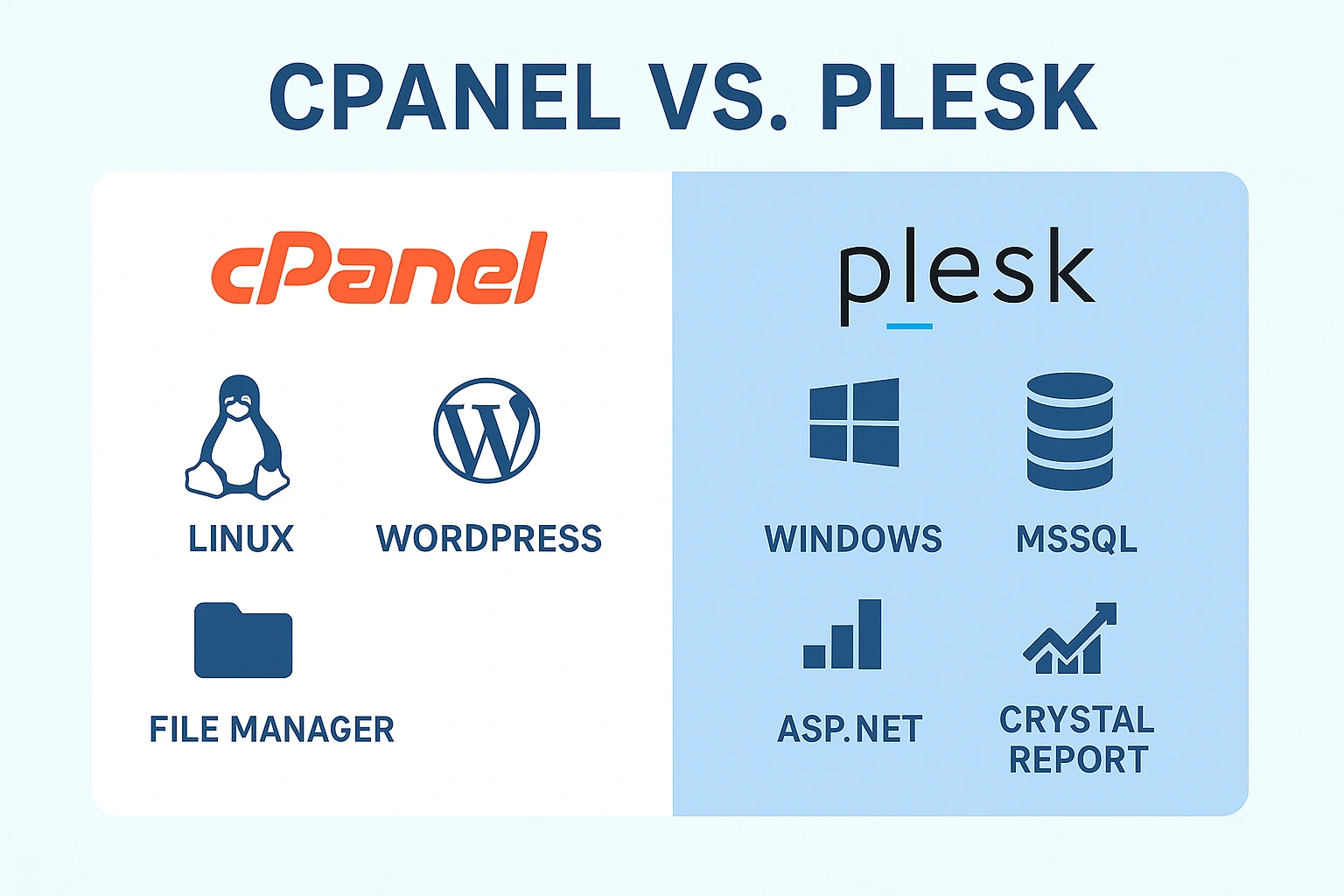
Although both cPanel and Plesk make it easy for you to manage your website, there are some key differences:
| Feature | cPanel | Plesk |
|---|---|---|
| OS Compatibility | Linux only | Windows |
| Interface Style | Classic & familiar | Modern & minimalistic |
| Best For | Beginners and Linux hosting users | Developers and Windows hosting users |
| Management | Basic integration | My SQL and MS SQL |
| Developer Tools | Fewer built-in developer tools | ASP.NET Framework |
Which One to Use?
Your decision is based on your hosting requirements:
- Choose cPanel if:
- You’re using Linux hosting
- You desire something very popular with plenty of tutorials out there
- You like a traditional interface that’s stood the test of time
- Choose Plesk if:
- You require Windows hosting
- You manages multiple WordPress sites to manage
- You desire inbuilt developer tools
Why the Control Panel is Important
One of the first tools you will utilize after acquiring your hosting account is the control panel. A good control panel will:
- Save your time by simplifying tasks
- Allow you to work with sites without any technical knowledge
- Offer integrated security features
- Allow you to install applications easily
Deciding between cPanel and Plesk is deciding between two different automobiles — both will take you where you want to go, but which one you choose depends on your comfort level and the features you require.
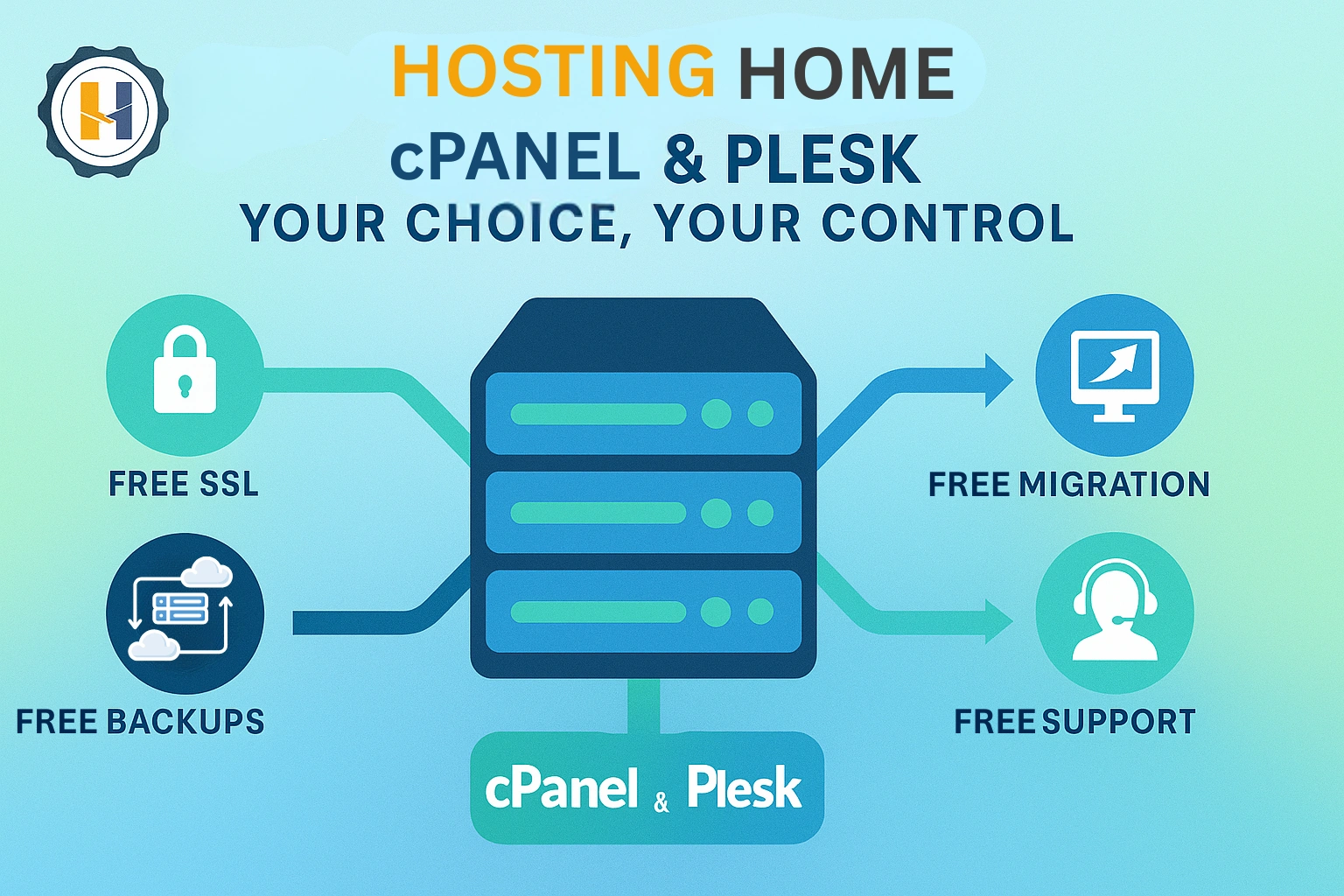
Hosting Home: cPanel & Plesk — Your Choice, Your Control
At Hosting Home, we believe all customers must have the ability to select the tools that best suit them. That’s why both cPanel and Plesk are available with our hosting plans.
Whichever one you prefer, our hosting plans include:
- Free SSL Certificate for safe browsing
- Free Weekly and Monthly Backups to ensure your data is secure
- Free Website Migration to make it easy to switch
- Free Website Builders such as WordPress, Joomla, and many more
- 24/7 Expert Support whenever you need it
Whether you’re operating a personal blog, a business site, or an enterprise e-commerce store, Hosting Home gives you complete control with the world’s most advanced control panels.
Start with Hosting Home today — select cPanel or Plesk, take advantage of our free features, and manage your site easily and confidently.