
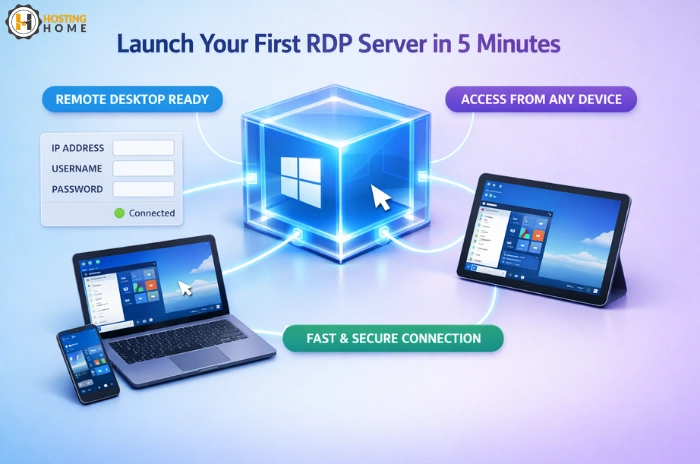
The 5-Minute Setup Guide for Launching RDP Server
In 2026, working from home or in the office has become the new normal for everyone in India. But what if you need to run heavy software or access important files from a device that isn’t very fast? That’s where an RDP server comes in role.
Now, if you are wondering what rdp server means, it’s very simple. Imagine a powerful computer sitting in a safe, air-conditioned room (a data center) that you can control through your own laptop or mobile phone. You see the screen, move the mouse, and type as if that computer was right in front of you.
You don’t need to be a “computer genius” to get this started. Here is a simple, 5-minute guide for launching your (RDP) remote desktop.
Step 1: Choosing the Right Server
First, you have to decide what kind of power you need. Just like buying a bike or a car, you choose based on your daily usage.
- Windows RDP Server: This is perfect for most people because it looks exactly like the PC you use at home. It’s the easiest way to run Windows-based apps remotely.
- Linux RDP Server: Ideal for developers who want to write code or run background tasks.
- Cheap RDP VPS Hosting: It is like renting a private room in a big building. You get your own RAM and CPU at very low rdp server price.
If you are just looking, you can search for a free rdp server online to get free trail for limited time. However, if you are dealing with business project or customers information, it is better to buy rdp server from a trusted hosting provider to keep your data safe.
Step 2: The Setup (It is Easier Than You Think!)
Once you sign up for rdp server hosting, you don’t have to worry about the complex setup. Your hosting provider does the basic setup of the rdp server configuration.
Within minutes, they’ll send you an email with:
- An IP Address: The digital “location” of your server.
- A Username: Usually “Administrator.”
- A Password: Your secret key.
Now you have a high-speed windows rdp hosting server which is ready to go!
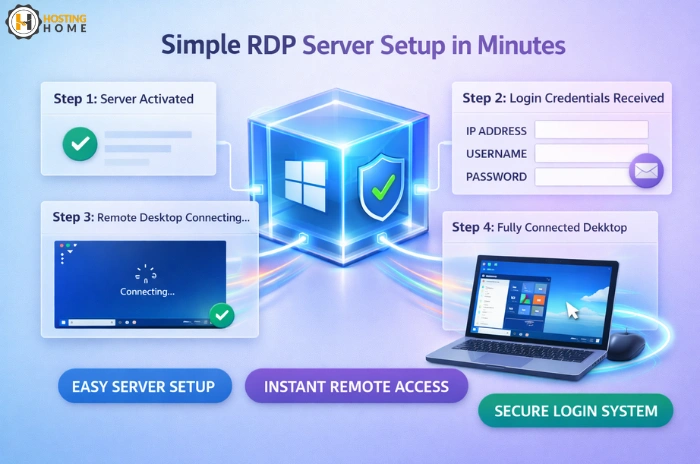
Step 3: Start Your Connection
Now, let’s actually log in.
- On your Windows laptop: Just click the “Start” button and type “Remote Desktop Connection”.
- On a Mac or Android phone: Download the “Microsoft Remote Desktop” app from the store.
Type in your IP, hit connect, and enter your password.
Suddenly, a brand-new desktop will appear on your screen. If you are using an Indian rdp server, everything will feel super smooth because the server is physically close to you. This is why looking for best rdp hosting in your own country is a smart choice.
Why Indian Businesses Choose Hosting Home
Let’s talk reality: nobody likes a slow connection or a server that keeps crashing. At Hosting Home, we’ve built our rdp server infrastructure specifically for the Indian market. We know you want something that works fast and doesn’t cost more.
We are so confident in our speed that we even let you get free rdp server access with a 3-day trial to test yourself.
Why Hosting Home is a Great Choice:
- Budget-Friendly: Our cheap rdp hosting starts at just ₹1399/-. It is the best and cheap rdp server solution for start-ups and students.
- High-Speed Storage: We use NVMe SSD disk that are much faster than normal hard disks. Your apps will open in the blink of an eye.
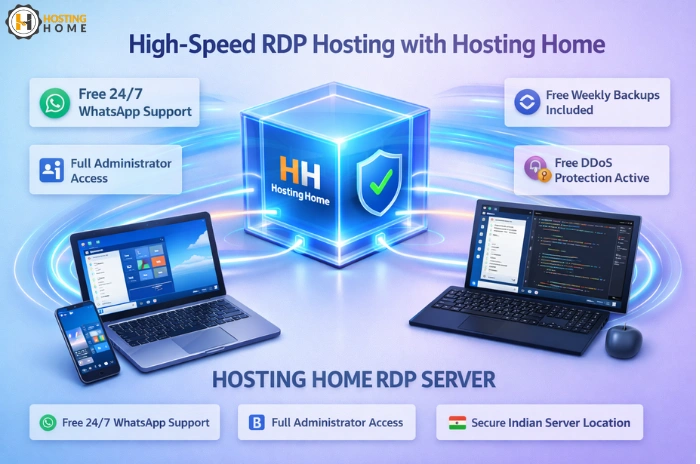
- Local Support: If you ever get stuck, you don’t have to wait for emails. We provide Free 24/7 WhatsApp Support so you can chat with a human who understands your problem.
- Bonus Features: With every windows server plan, you get 2 Free RDP sessions so you and a colleague can work at the same time.
- Total Safety: We provide Free DDoS Protection and Free Weekly Backups because your work is valuable.
- Full Admin Access: It is your server! You have full rights to install whatever software you need without asking us.
- Reliability: We guarantee a 99.9% Uptime, so your “virtual office” is open even while you’re sleeping.
If you need an rdp dedicated server for a big project or just a simple cloud rdp server to stay productive on the work, we have perfect plans for you.
Ready to start your RDP hosting journey?
Grab your RDP Server from Hosting Home now!