
Building a Django application is only half the job; the real challenge starts when you want to host a Django application on Python hosting take that project live and make it available to users. A smooth hosting setup make sure your app loads fast, stays secure, and runs without errors.
This Blog explain How to host Django application in a practical, over than theoretical, manner. If you are already familiar with the basics of Django, this will help you move confidently toward production using secure Python hosting.
Prepare Your Django Project for Live Use
Your Django project should be production ready before uploading.
This is an important step for Speed and security.
- Disable debug mode
- Update allowed hosts
- Setup static and media paths
- Set secure secret keys
- Review Database Settings
These steps make your app suitable for a live python hosting server, instead of a local development environment.
Correctly Upload Your Project Files
Once your account is set up, upload your Django project by using FTP or a file manager.
Copy the files to the appropriate directory assigned to your domain or your application path.
A secure Python web hosting make sure uploads work smoothly, without any permissions issues or broken paths.
Create a Virtual Environment
A virtual environment keeps your project clean and separate.
After logging into your server:
- Create the database
- Activate it
- Install the necessary packages from requirements.txt
Reliable Python hosting server setups support static file handling without issues.
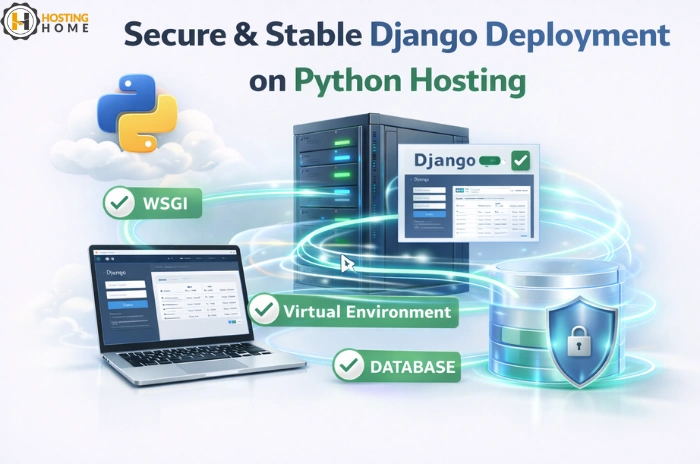
Configure WSGI for Django
Django applications use WSGI to communicate with the server.
You need to link your Django project correctly, so the requests reach your app.
- Set right application path
- Connecting the WSGI file
- Restarting the service
Once setup is completed, your Django application becomes available through the web browser.
Set Up Database & Migrations
Next Step, Setup your database:
- Create the database
- Update Django database settings
- Run migrations
- Create a superuser
A well-setup database keeps your application secure even under load. This setup works fine on professional Python hosting India platforms.
Handle Static Files Properly
Static files, such as CSS, JavaScript, and images, need to be collected and served properly.
Finally, run the static file collection command, and make sure your server knows where to load them from
If you forget this step, your site might function, but it will appear broken.
Reliable Python hosting server setups support static file handling without issues.
Test Before Making It Public
Before pointing your domain:
- Test admin access
- Check login and forms.
- Verify database operations
- Review error logs
Even developers on cheap python hosting should never skip testing. This avoids downtime and user-facing errors.
Free Python Hosting Vs Real Deployment
Many developers look for free python hosting or free python server hosting to learn Django. These types of platforms are fine for practice, but they are not for real websites.
They often lack:
- Performance stability
- Security Updates
- Custom configuration support
For production applications, selecting the best python hosting service will make sure that your application runs both Fast and secure.
Monitoring and Long-Term Stability
Once live, keep an eye on:
- Usage of server resources
- Error logs
- Response time
- Traffic patterns
With increased usage, Speed tuning becomes important. Generally, developers who want security usually upgrade to the best python hosting instead of staying on limited hosting services.
This is also why businesses choose the best python web hosting when running Django applications.
Why Hosting Home Is a Smart Choice for Django Hosting
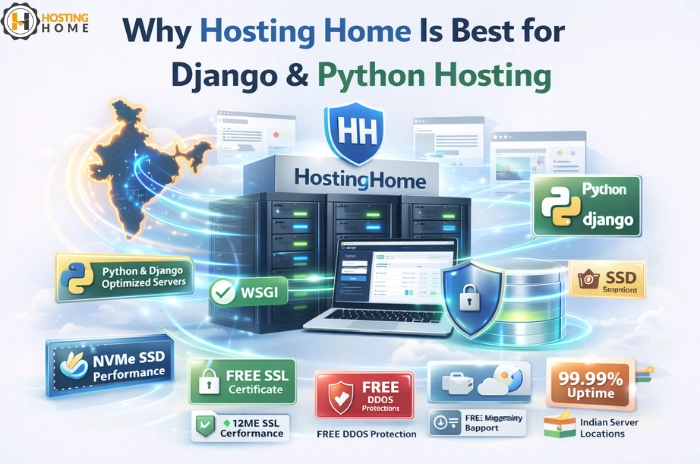
Hosting Home provides Secure, High speed hosting for Python and Django applications. If you are launching your first app or scaling a business platform, Hosting Home providers the security and support developer’s needs.
What Hosting Home Provides:
- Upgraded server for Django
- Support for recent versions of Python
- NVME SSD-powered servers
- Free SSL certificate
- Free DDoS protection
- Free weekly backups
- Free Migration Support
- 99.99% Uptime Guarantee
- Clear Pricing: With no hidden fees
- VPS and Dedicated Server Options for Python Apps
- 24/7 Dedicated WhatsApp Support
Hosting Home is a Strong and Trusted choice, if you are looking for python hosting services in India that Focus on Speed, Security and Simplicity.